Make Your Phone or Tablet Screen Better for Reading in the Dark
Let’s say you want to read on your gadget in a dark space (maybe next to a person who wants to sleep). You’ve turned the brightness all the way down and it’s still lighting up the room like a fireworks display. There is no option to make the background black and text white like you might find in a dedicated reader app.
What to do?
Enter Halloween Mode!
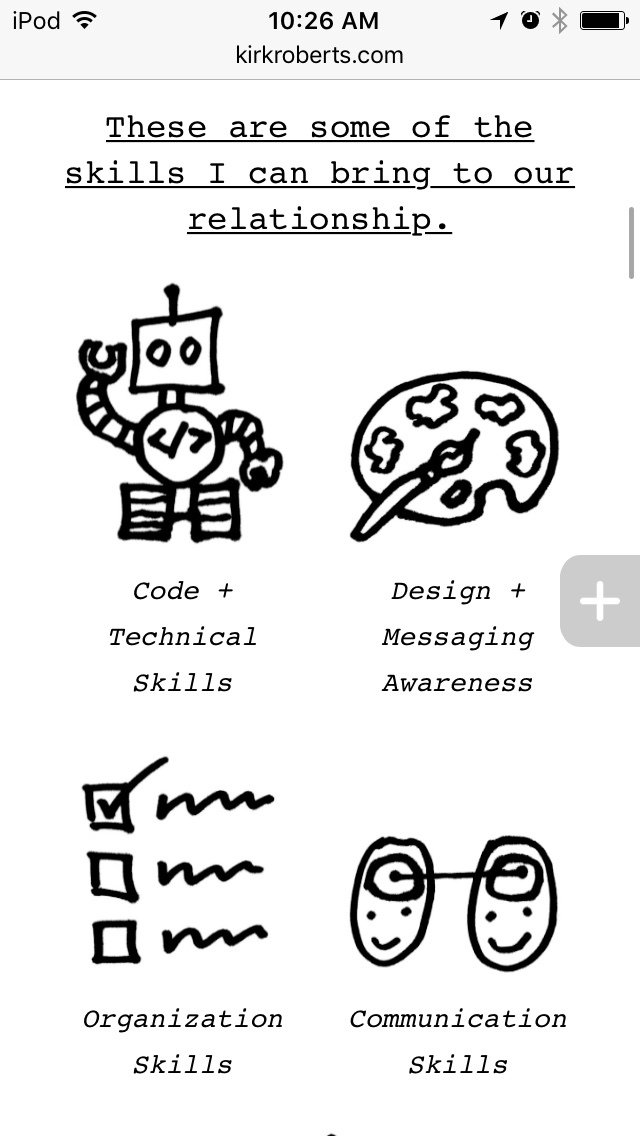
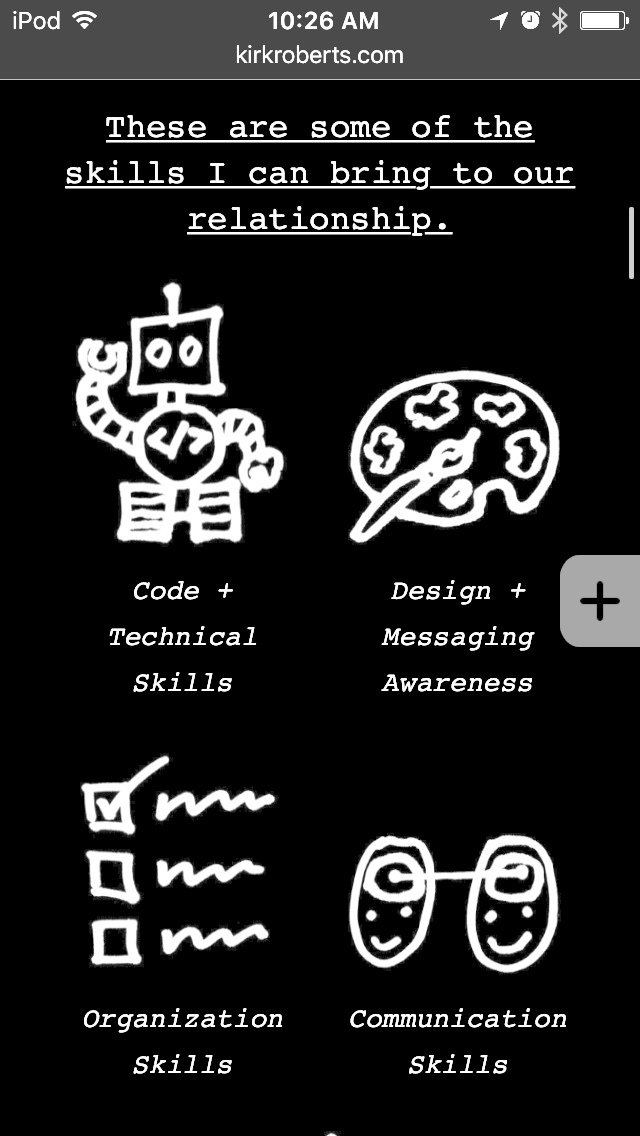
Halloween Mode?
Okay, that’s just what I call it. It’s really called “invert colors” and is an accessibility feature. I’m an iOS user but I assume it can be found on other device operating systems as well. If you’re on iOS go to:
Settings > General > Accessibility > Display Accommodations > Invert Colors
(you may not need to do the “display accommodations” step, depending on your device and/or iOS version)
Now the colors are inverted. Black is white. White is black. Cats and dogs are living together in harmony. It’s a few steps to get there (and get back out later) but it can make a BIG difference in the light output from your screen.
I call it Halloween Mode because there tends to be a lot of black and orange (and neon green). See the images for a comparison.
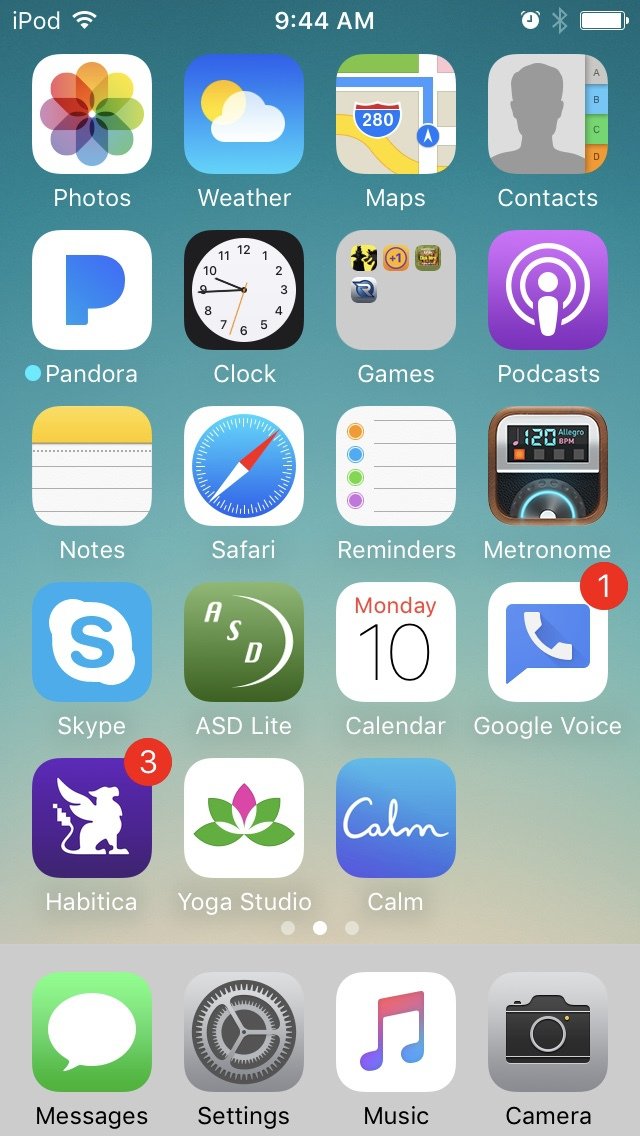
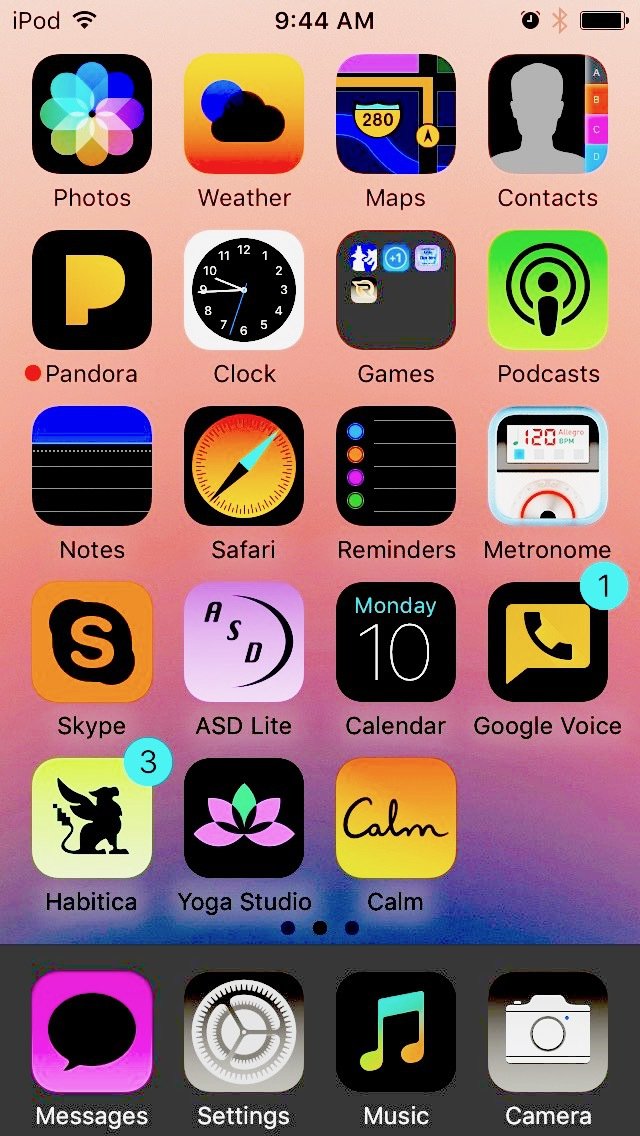
I found this tip very handy when there were some websites I wanted to read that had bright white backgrounds. Too bright.
Hope it helps you keep your life ever so dimmer, as appropriate.